
View all task records for your firm
Useful for all CCOs who want to see what's being documented by their team, but even more useful for compliance consulting partners who need to see what compliance tasks their clients are completing at the firm level.
While Admin role and Trusted role users were always able to see a full record of a firm's compliance calendar of tasks through the CSV export function, we recognize that certain super users may need to actually fix or tidy these records up (e.g. delete duplicate tasks, fix descriptions, etc.). So, for Admin role users we have pushed an enhancement to allow them to toggle between "Mine" view and an "All" view from their My Tasks page.
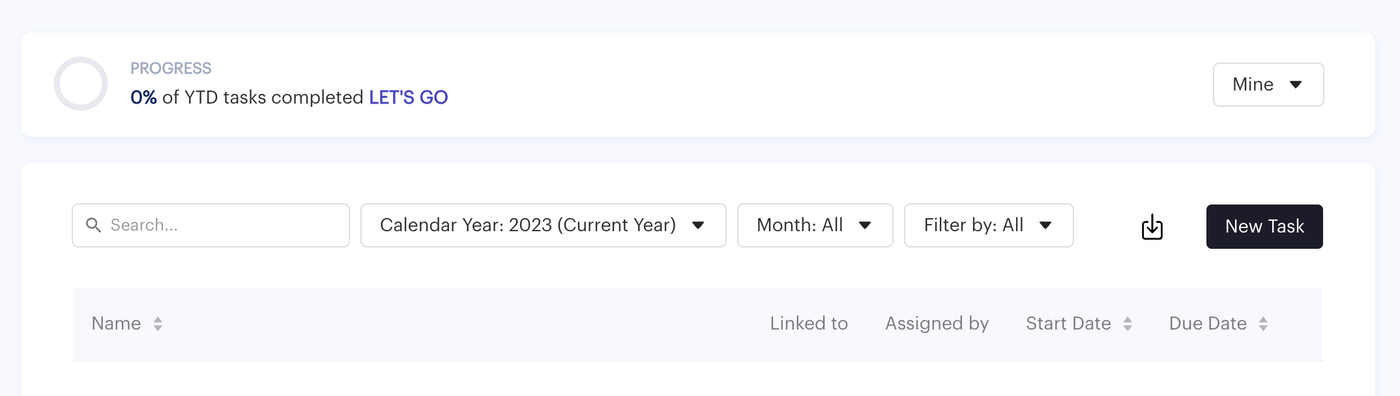
"Mine" view is the traditional default view of tasks that have been assigned to you or created by you. "All" view is a God-mode that allows you to see all the tasks within the firm's records. Please note, you will allow not be able to modify the task though unless you are the task creator or assignee. Need to make a change though? Ask one of them to add you as an assignee!